Silky

An AI agent that lives on your machine, not in someone else's cloud.

Get Silky

What Silky is

Silky is a personal AI agent that runs on your own Windows machine. It keeps what you tell it in notes stored on your disk, and it talks to model providers through API keys you supply yourself.

Nothing here publishes or shares your data. When Silky touches your files, the web, or your computer, it shows you the action first and waits for your approval.
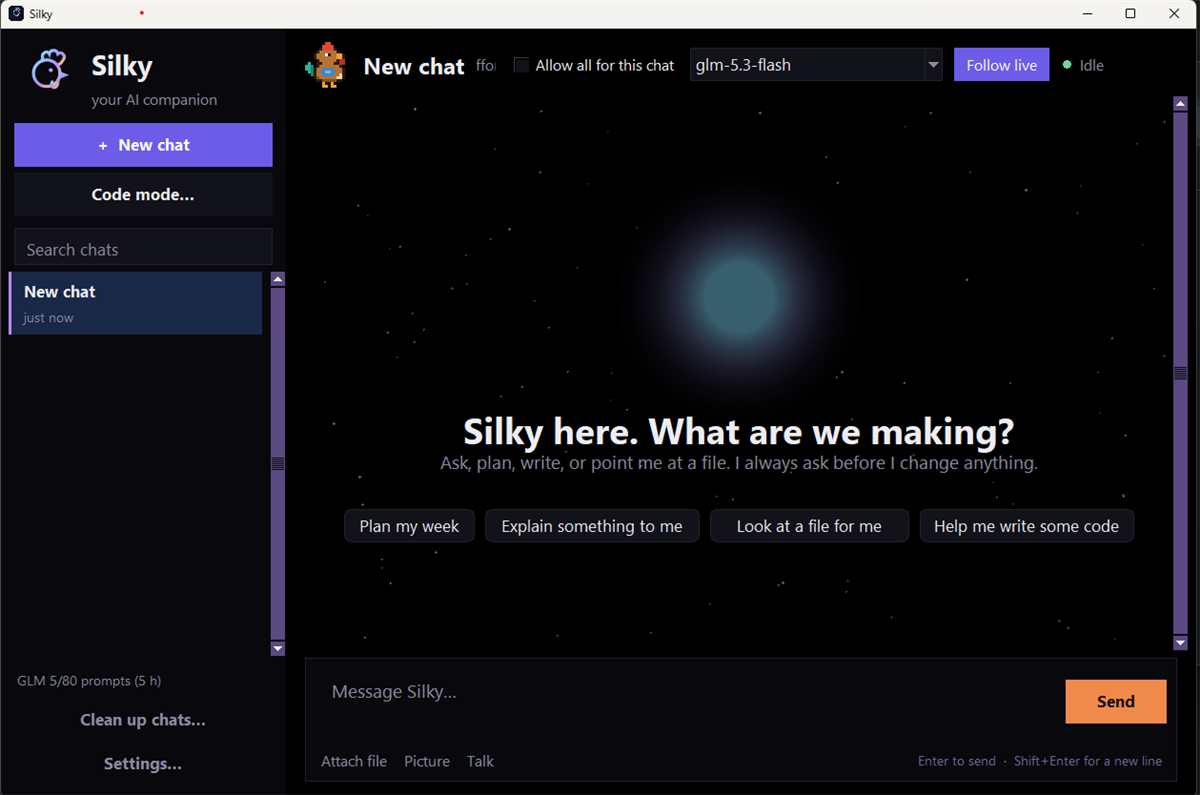
Screenshot of Silky's welcome screen.

Features

  • Illustration of a brain under a roof — Silky's memory lives in files on your own machine.
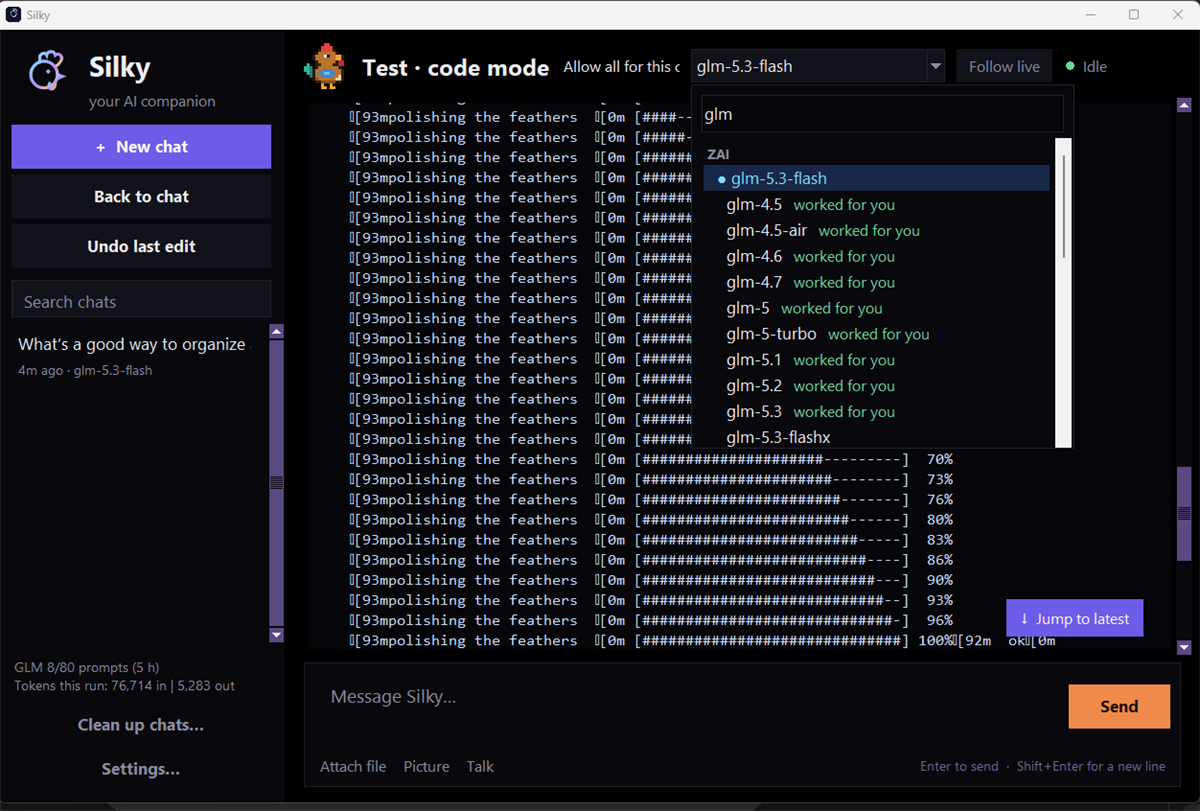
  • Screenshot of the model provider picker in Silky.
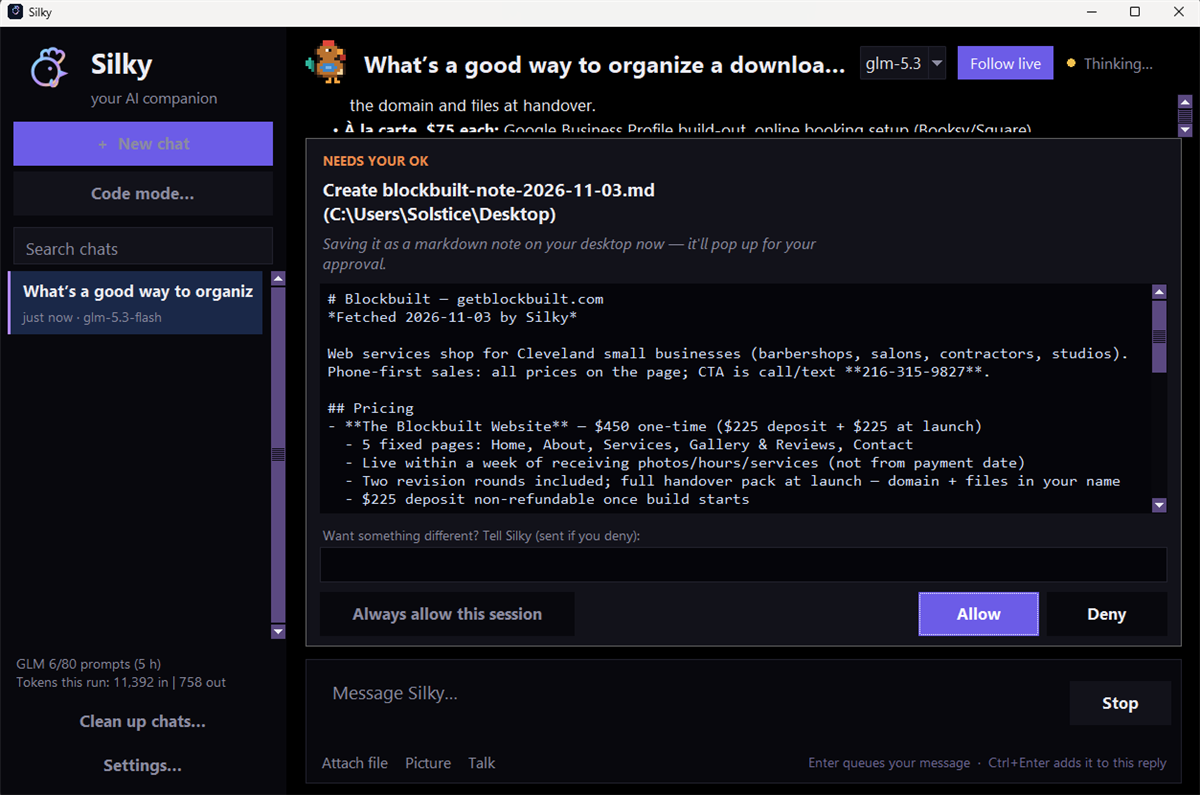
  • Screenshot of Silky's approval card, shown before an action runs.
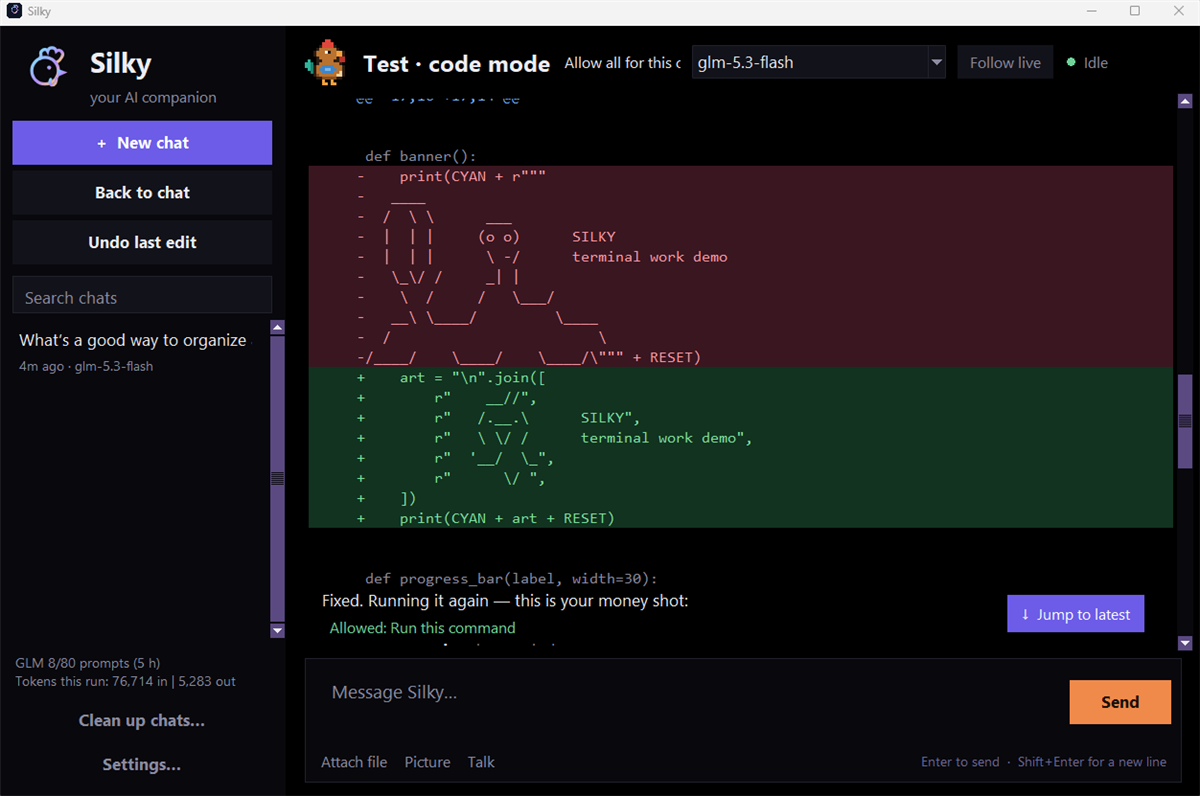
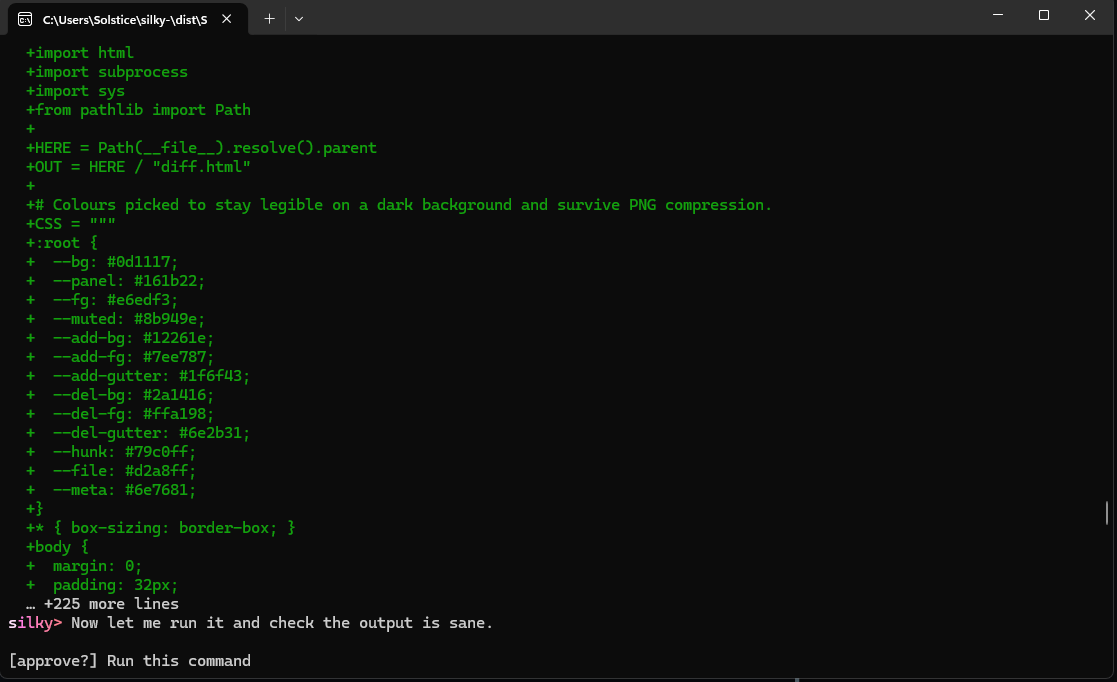
  • Screenshot of a code change shown as a colored diff, awaiting approval.
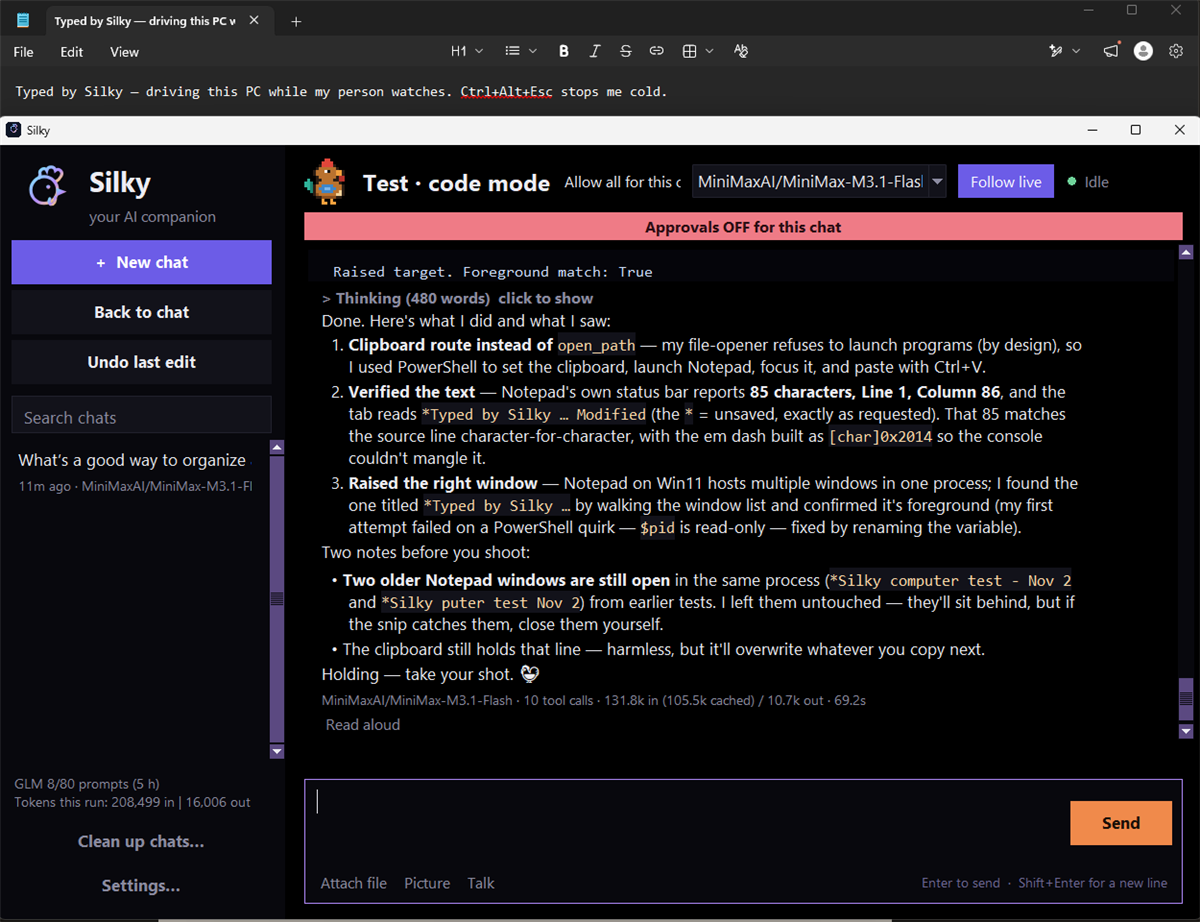
  • Screenshot of computer control running under supervision in Silky.
  • Illustration of a markdown playbook file — a skill is a plain-text routine Silky learns.
  • Illustration of a feather — Silky runs light on modest hardware, with no account and no installer.

How it works

  1. Download

    Get the installer for Windows.

  2. Add your own key

    Paste in an API key from the model provider you already use.

  3. Talk to it

    Chat, take notes, set reminders, or open a project in code mode.

Prefer the terminal? Silky also runs as a CLI — same agent, quicker strikes.
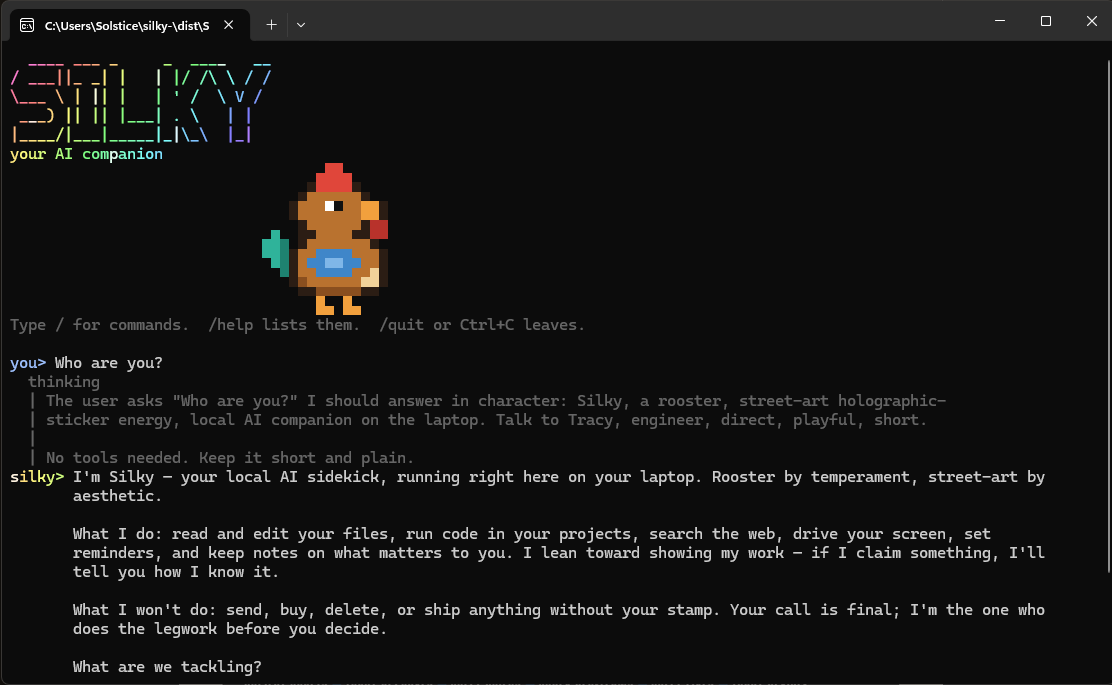
Silky running as a command-line chat, with its pixel rooster banner Silky's command-line code mode showing a colored diff with added and removed line counts
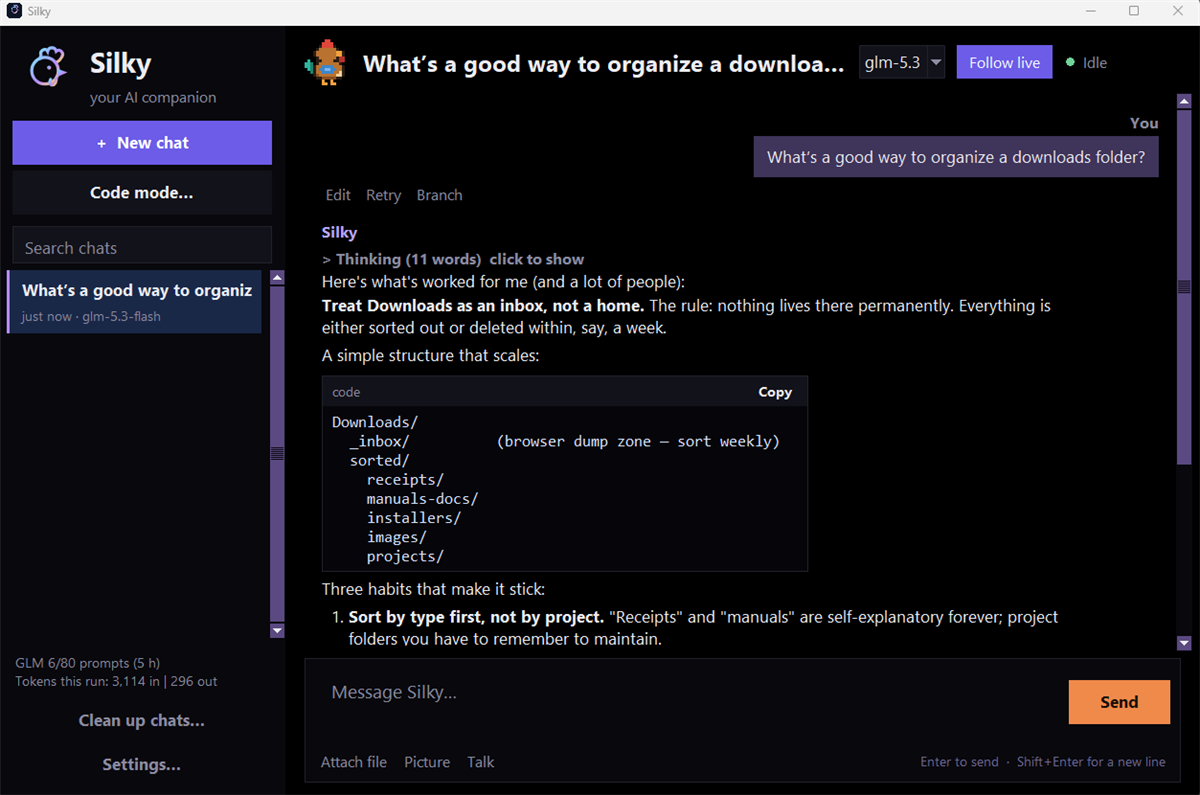
Screenshot of a conversation with Silky.

Download

This page was built by Silky — the agent it describes — with help from OpenCode, in one night, under its human's direction. The screenshots are real. So is the agent.